Your own room
Getting a room
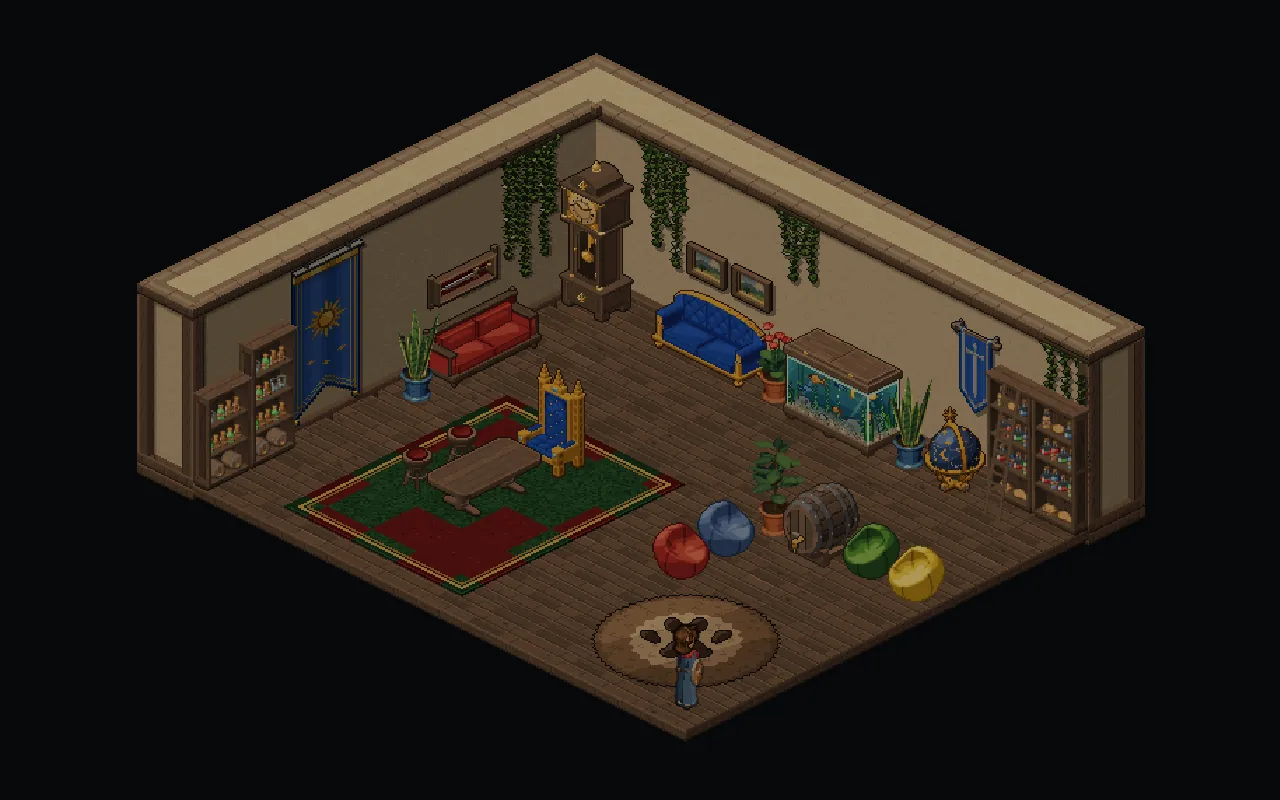
Rooms are let at the tavern, in a choice of sizes.
Ask at the tavern for a room, choose a size, and it is yours. Walk straight in from the desk, or go home later from your profile or the shortcut on your screen. Leaving puts you back exactly where you were standing.
Rent is paid at the desk, and you can pay ahead so you never have to think about it. If the room turns out too small, or too big, you can move to another size and your furniture comes with you.
Furnishing it
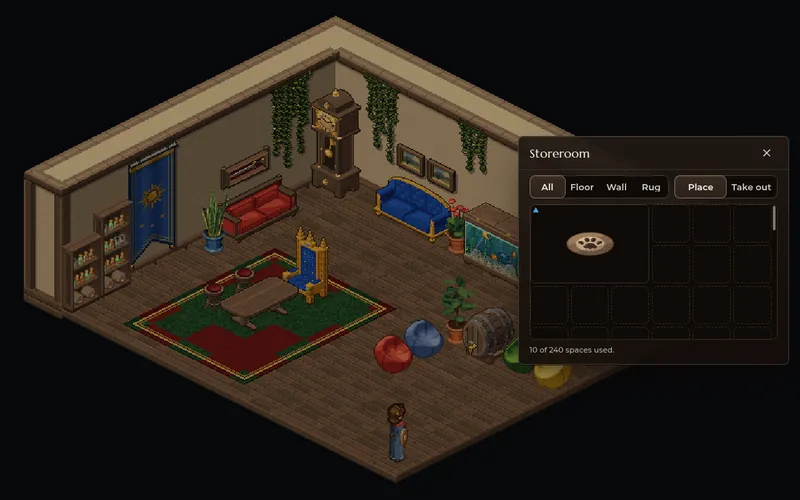
Everything you own for the room waits in your Storeroom until you put it out.
The Storeroom holds furniture and nothing else, and it is yours whether or not you have a room yet, so you can start collecting before you move in.
A few simple pieces can be bought to start you off. Most of the rest is made by players who craft, and furniture can be traded and posted like anything else in your bag.
Pick a piece
Open your Storeroom inside the room and choose what to put out. It hovers under your cursor or your finger, glowing where it fits.
Turn it and set it down
Face it whichever way suits the room, then place it. Paintings and banners hang on the walls, and rugs lie under everything else.
Change your mind
Move a piece, turn it again or put it back in the Storeroom whenever you like. Nothing wears out by being moved.
Sit on it
Chairs, stools, benches and sofas are real seats, and anybody in the room can sit on them.
Make it look like yours
Floors and walls to choose from, changed whenever you like.
Choose the floor and the walls from a set of finishes, from planks and plaster to brick and stone, and change them whenever the mood takes you.
Your pets can live there too. Leave one in the room and it wanders the floor on its own, so the place is not empty when you come home.
Having people round
Open the door to everybody, or just to your friends.
Set your room to public and anybody who opens your profile sees a Visit Room button. Keep it private and invite the people you want instead. Visitors can look round and sit down, and only you can move the furniture.
A seat you carry
Some chairs come with you, and you can sit down on them anywhere.
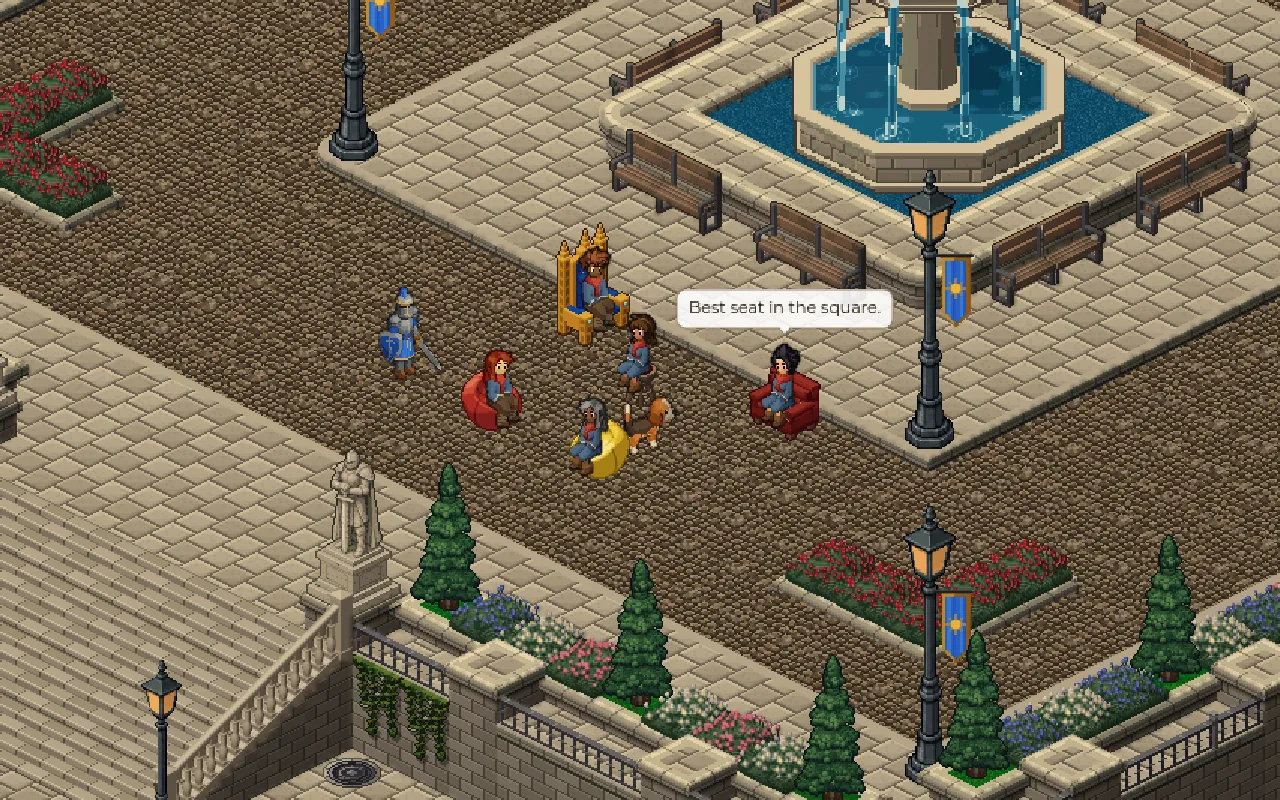
Put a portable seat in the chair slot on your character and press Sit wherever you are. It appears under you and everybody nearby sees you on it: by the fountain, on the quay or at the top of a cliff. Take a step and you stand up again.
Bring friends and pull up a seat each, and any corner of the world becomes your sitting room. A portable seat is still furniture, so it can go in your room too.