Our first update since launch, and most of it came from you. You told us what was hard on a phone, which monsters played unfair and where quests went wrong, and this update answers those reports. The game now goes full screen in your browser, your potions and gear sit on your action bar, and monsters fight the way you do.
Thank you to everyone who posted in #bug-reports. You are named next to every fix you found.
Features, content and new systems
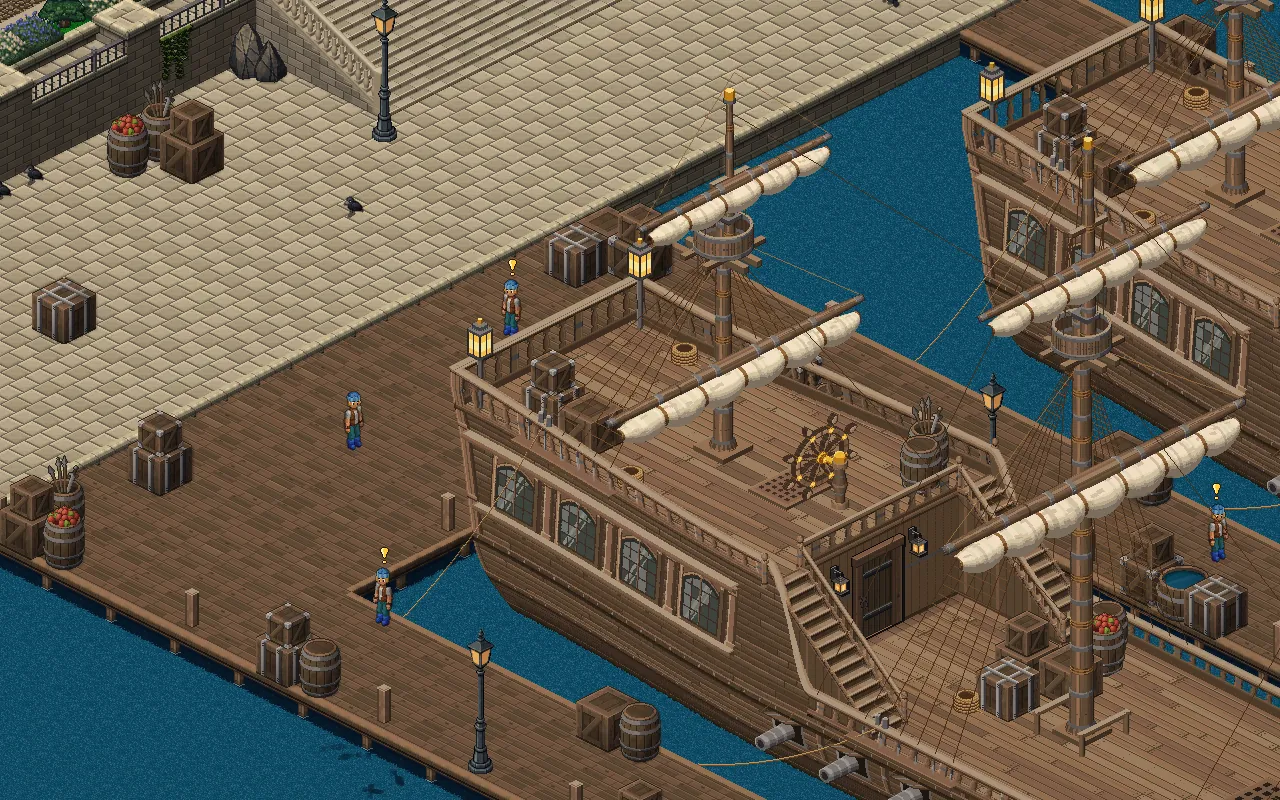
Full screen
- Play full screen in your browser. The title screen and the game menu each have a Full screen button.
- Turn your phone sideways. On a phone held upright, one tap on Play goes full screen and turns the game to landscape, where your browser allows it.
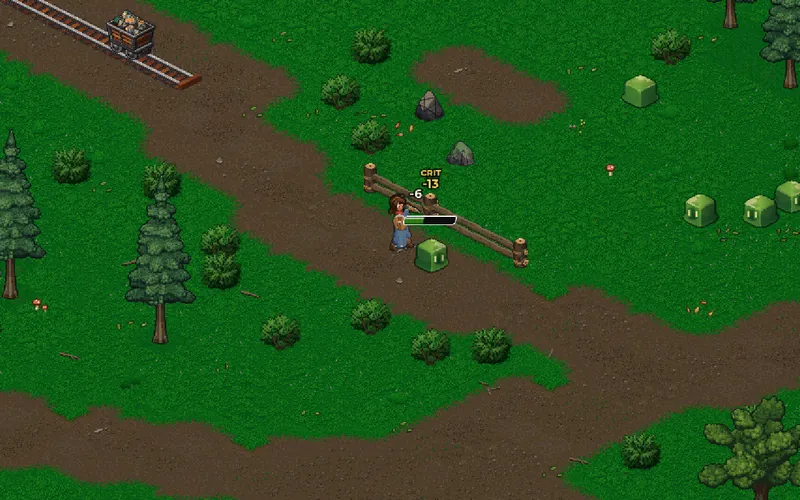
Potions and gear on your action bar
- Drag it, then tap it. Drag a health potion, a weapon or a piece of armour from your bag onto the action bar. Tap it to drink or put it on.
- Know what is left. The bar shows how many potions you have.
- Easy on a phone. The bar stays in view while your bag is open, so you can drag straight onto it.
Improvements

Monsters and gathering
- Monsters chase you much further. A monster you pull now follows you more than twice as far before it gives up and heads home.
- Monsters no longer bite from the corners. A monster only attacks straight ahead, the same four ways you can swing. Step out of its line to dodge.
- Gather from in front of a node, not its corner. Mining, chopping and fishing work from the four tiles beside a node. The prompt only shows where gathering will work. Found by WelchDigital.
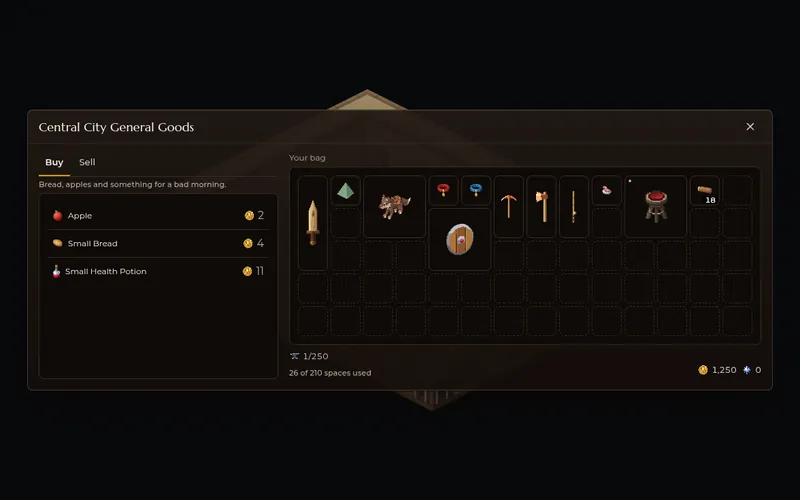
Phones and windows
- Sign in without scrolling. On a phone the sign in and new account forms spread across two columns, so every field is in view at once.
- Every window sits in the middle on a phone. Windows keep clear of the screen's edges, so your camera cut out never hides a close button.
- Shops and workstations tell you when you are too far away, instead of opening and closing with no word.
- Bigger, clearer touch controls. The movement pad and the attack button are larger and easier to see.
- A tidier Character window. The top shows your name and level, and your max health and mana sit with your other figures.
- The world map is up to date. Every place is on it now.
- Clothes colours get a row each in the character creator on a phone, so you can see every colour.
- The game menu's buttons fit on one row on a phone.
Bug fixes
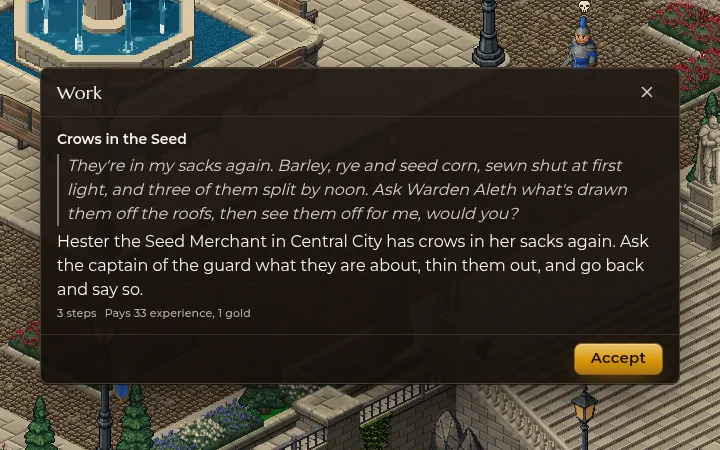
Quests and events
- The Stranger talks back. Choosing Talk in A Stranger at the Door did nothing, so the event could never be finished. Now it completes. Found by LettuceCatte.
- A Line in the Water leads you to the right pond. The trail now goes to the pond the quest talks about, and only fish caught there count. Found by Kenpachi.
- Finished quests leave the menu. Once you have done all a person has to offer, they stop showing Ask about work. Found by WelchDigital.
- Your quest trail is still there after you log back in. Found by WelchDigital.
- The quest trail takes the direct way, instead of running along one side and then turning. Found by WelchDigital.
Fighting
- Arrows stop at trees, walls and rocks. A bow could shoot through scenery at a monster that could not reach you. Now shots stop at whatever is in the way, and monsters step round a tree to get at you. Found by WelchDigital.
- No more farming a monster at the edge of its chase. When one gives up now, it walks home untouchable and heals in full. Found by Number1.
- Your skills stay on the action bar when you switch bars. Found by Number1.
Phones, tablets and screens
- Tablets get the touch controls. On a tablet or an unfolded Fold the movement stick and attack button were missing. Found by WelchDigital.
- The game fills big phone screens. On large phones the menus could stop short of the edge. Found by WelchDigital.
- Zooming the page is switched off everywhere. Ctrl and scroll on the title screen showed far more of the world than the game allows. Found by WelchDigital.
- Tooltips no longer get stuck on a phone after you tap a chat tab, an item or an equipment slot.
- The screen no longer zooms in on a phone when you tap into chat, double tap or pinch.
- The news fits on a phone. A story's picture stays inside the news window.
- The menu button's icon sits in the middle of its button.
Everything else
- Shops no longer spin forever when you talk to a shopkeeper from a distance. Found by WelchDigital.
- Your gold stays put when you change maps. It could read 0 after a door until you logged in again. It was safe all along. Found by WelchDigital.
- The Carpenter's Bench says why it closes when you stand too far away. Found by WelchDigital.
- Every skill in the Abilities window can be reached. A long skill tree scrolls now. Found by WelchDigital.
- Less stutter while new scenery loads. Artwork arrives in small pieces over a few frames, so the long pauses are gone. Found by WelchDigital.
- Enter on the title screen enters the world. Found by WelchDigital.
- No more spotlight following you. The circle of light around your character is gone. Found by WelchDigital.
- No more flood of warnings when you resize the window at night. Found by WelchDigital.